Beyond Users: Transforming Students into Digital Curators
Have you ever stopped to think about the sheer number of applications running on our devices daily? From productivity tools to creative suites, the digital landscape is vast and often chaotic. In a recent Informatics project, Year 7 students were not just asked to memorize definitions of these tools; they were challenged to organize the chaos.
Mapping the Digital Jungle
The mission began in Mr. Salman’s class with a challenge that went beyond the textbook. Instead of simply listing software types on a piece of paper, the students embarked on a journey to visualize the ecosystem of technology. The goal was to understand Software Categories—knowing the difference between system software, application software, and utility tools—but the approach was hands-on and deeply creative.
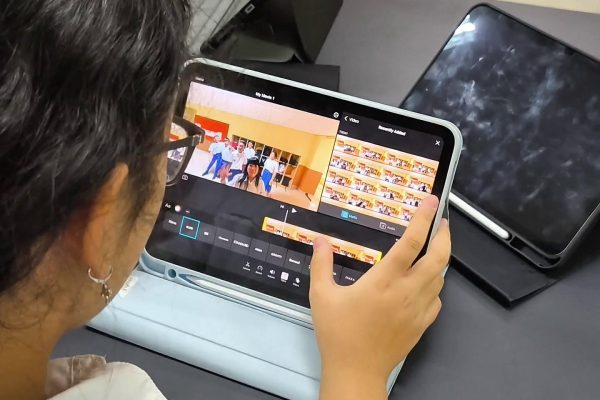
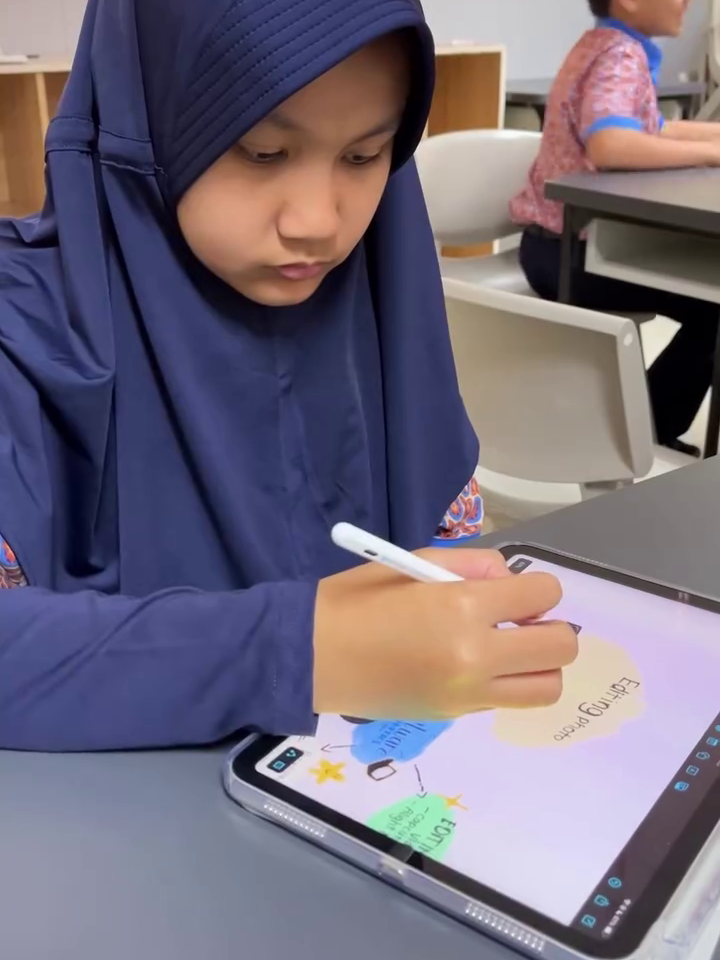
Mr. Salman stepped back from the whiteboard and invited the students to take the lead. Equipped with their iPads, the class transformed into a design studio. They weren’t just students; they were becoming digital curators. Using the Freeform app as their canvas, they had to research, verify, and map out the functions of various software types used in daily life.
The Art of Information Architecture

What looked like a fun design session was actually a rigorous exercise in cognitive processing. Mr. Salman encouraged the students to take ownership of their learning path by allowing them to hunt for their own resources. Rather than being fed a standardized list of examples, students exercised their voice and choice to select the specific applications and visual assets that resonated with them.
This freedom required them to evaluate information critically. They couldn’t just copy and paste; they had to analyze the specific function of a piece of software and decide where it fit within the larger system. As they moved elements around on their infinite Freeform canvases, they were engaging in a real-world task similar to that of professional UX designers or information architects. They had to synthesize complex technical data and translate it into a visual language that was easy to understand.
By the end of the session, the abstract concept of “software categorization” had become a tangible, visual map created by the students’ own hands.
Bringing the Conversation Home


These young curators have moved from being passive users of technology to active analysts of the tools they use. Tonight, try asking your child about the apps on your own phone. You might be surprised to find they can explain not just what those apps do, but exactly where they fit in the digital world. Why not ask them to show you their Freeform map? It’s a glimpse into how they are organizing the future.